

One Weekly Source. Eighteen Finished Content Packages.

Share one useful update about your work each week. RapidReed turns it into LinkedIn, Facebook, and X posts, images, carousels, Stories, and two short videos. We handle production, publishing, and reporting.

Stop 02 · Video

One Talking-Head Idea. Four Ways to Edit It.

Watch a fictional studio owner explain one design choice. We edit the same take four ways using existing templates: cuts, zooms, captions, and motion graphics. The weekly offer includes two finished short videos.

Watch the full talking-head edit with sound ↗
Reels
@studioowner
Stop 04 · Written Posts

The Same Diagnosis, Written for LinkedIn.

A longer post explains the problem, the decision, and what to check. This owner is fictional.

LinkedIn feed example

More space is not the first fix I would test here.

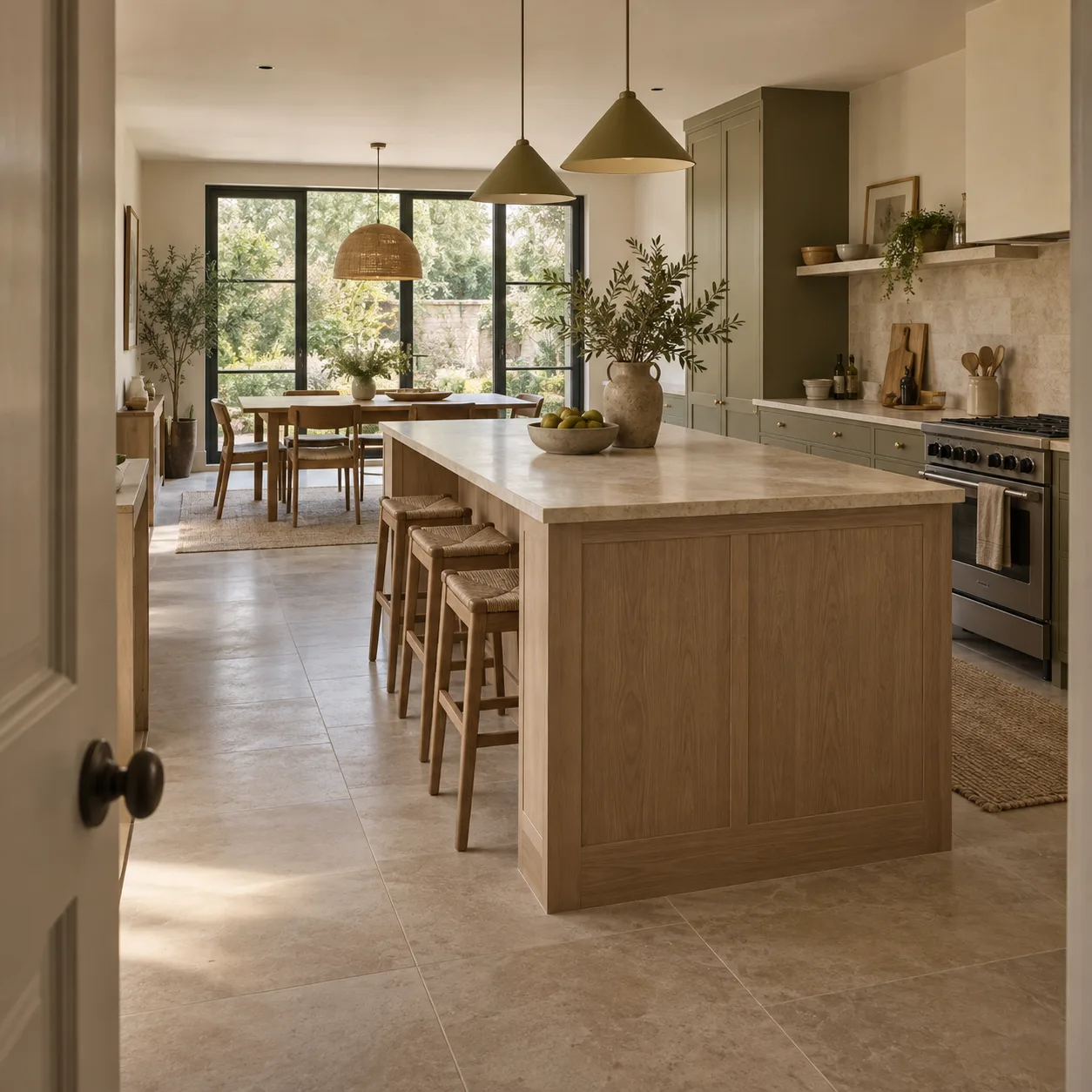
In this fictional kitchen, follow the route from the door to the table. The island sits in that route. Adding area elsewhere could leave the same interruption in place.

I would move the island on the plan before changing the room's footprint. Then I would check the route to the table. I would also check whether the cooking side still has enough working space.

That beats asking for a bigger kitchen.

Before you approve a kitchen layout, trace the door-to-table route. Find the friction before paying for more space.

One illustrative architecture idea

One Source Idea, Four Content Formats.

TikTok · Reels · Shorts
Instagram · Story
Illustrative kitchen
studioowner1/3×
More space?
Check the route.
Send message
1 / 3
Instagram · Carousel
studioowner4-slide example···
1/4
Illustrative kitchen with an island between door and table

More space?
Check the route.

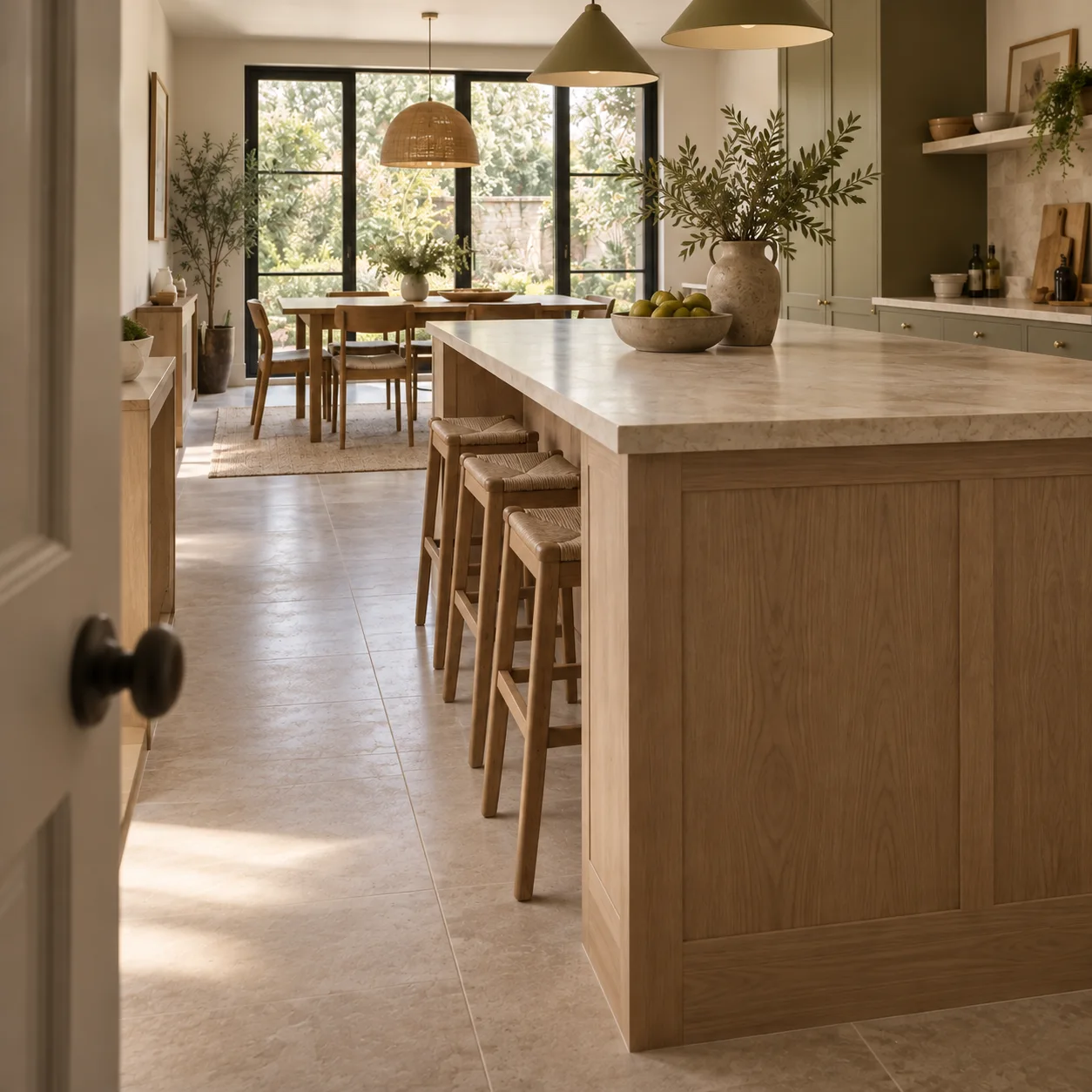
Illustrative closer view from the doorway toward the table

Door to table.
Follow the route.

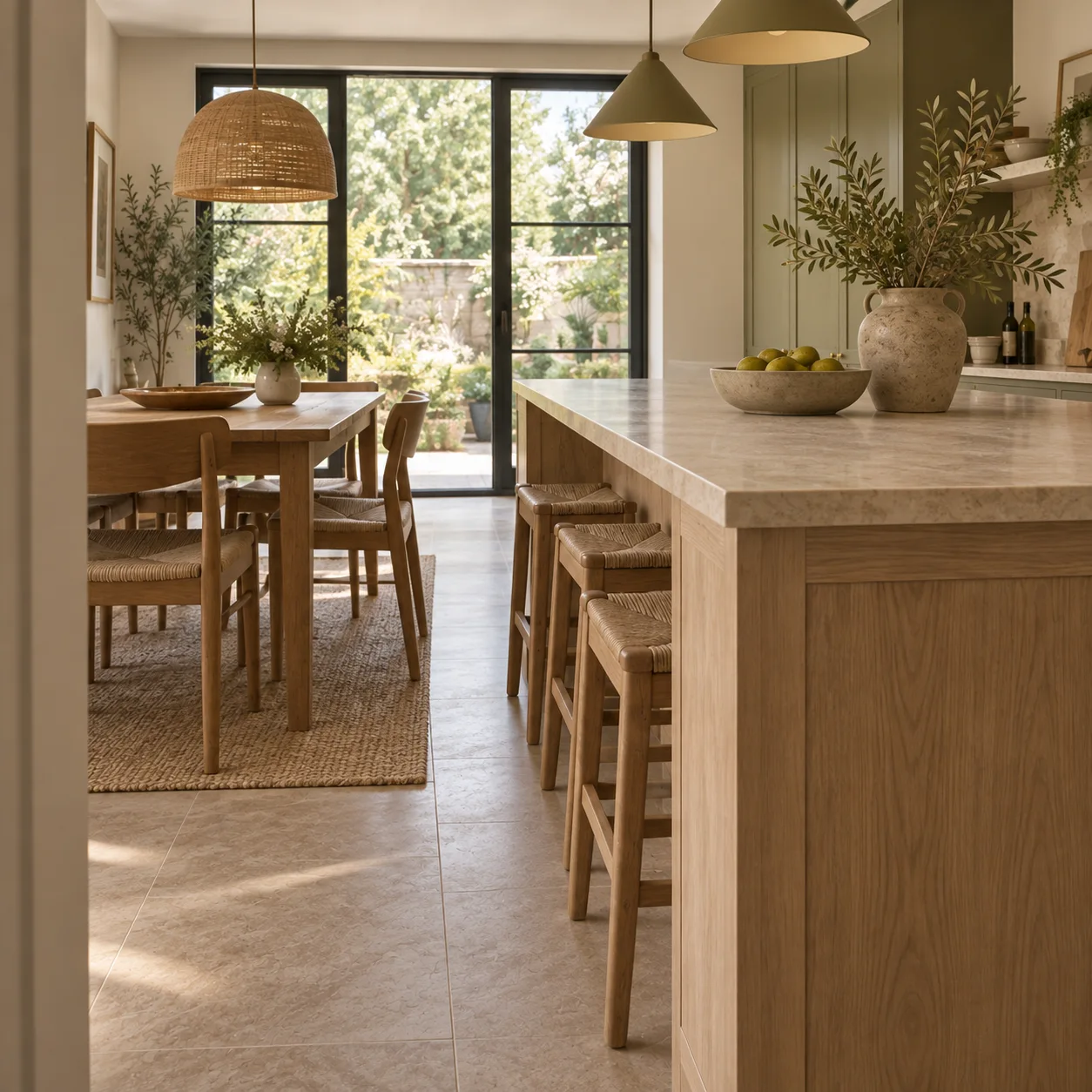
Illustrative close view of the island beside the dining chairs

The island
blocks it.

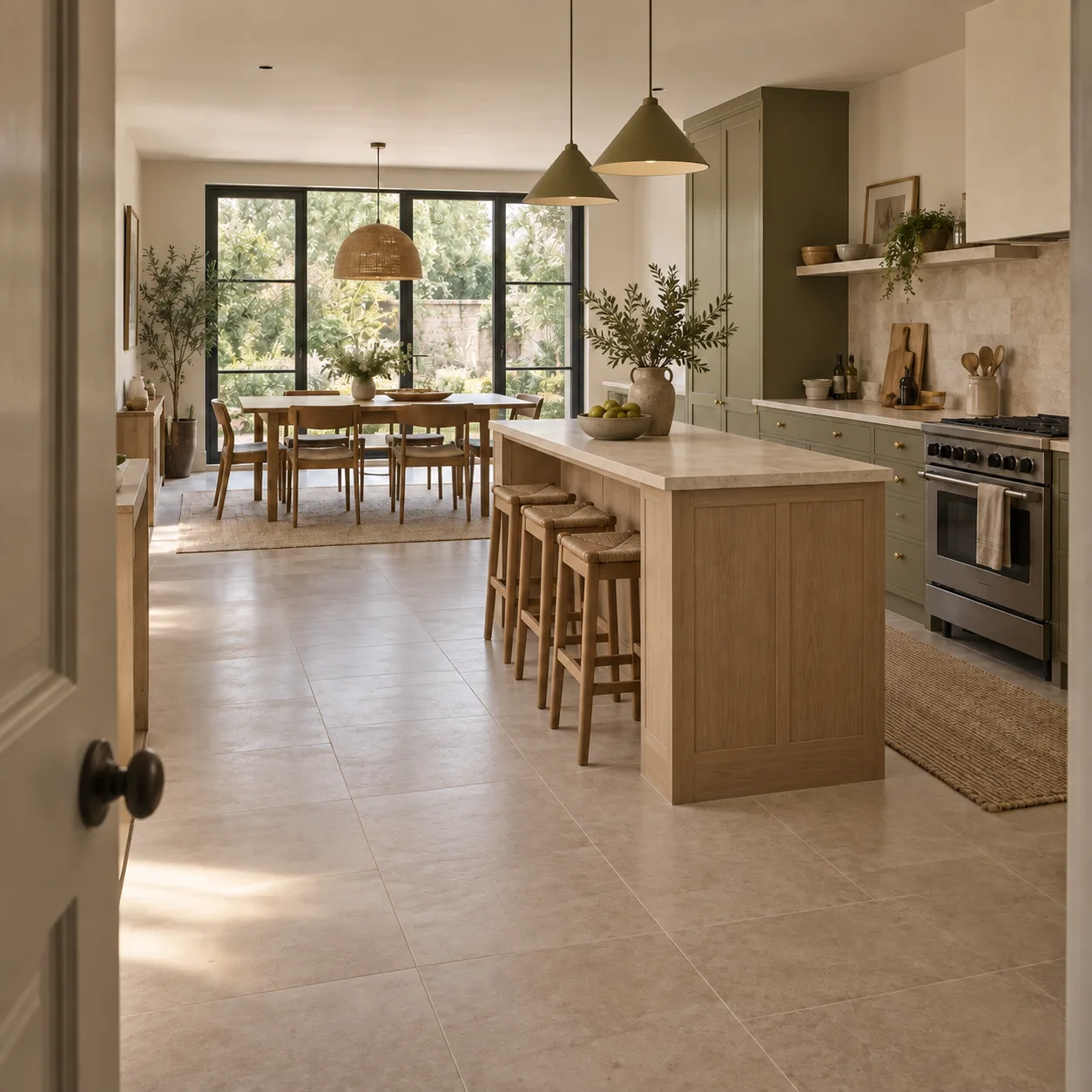
Illustrative proposed kitchen arrangement with island farther right and open space to the table

Move the island.
Open the path.

studioowner A route diagnosis. Fictional example
LinkedIn
LinkedIn feed example

More space is not the first fix I would test here.

In this fictional kitchen, follow the route from the door to the table. The island sits in that route. Adding area elsewhere could leave the same interruption in place.

I would move the island on the plan before changing the room's footprint. Then I would check the route to the table. I would also check whether the cooking side still has enough working space.

I would draw the door swing and chair pullback on the plan, then trace the walk between them. That shows whether moving the island clears the pinch point or simply moves it.

I would test the shifted island against the cooking side too. The route to the table matters, but the counter still needs to work when someone opens a drawer or walks past.

Only after both routes read clearly would I discuss whether the room needs more area. The drawing should answer that question before the budget does.

That beats asking for a bigger kitchen.

Before you approve a kitchen layout, trace the door-to-table route. Find the friction before paying for more space.

Reed SM
Reel Finisher

$29One-time download

Let your AI edit the Reel you already recorded.

Three styles. One reusable AI editing project.

Checkout is not available yet.

Reed SM

$1,199/month

Founding rate for the first three clients.

Founding price protection Price locked for the first 6 active months

Every week

  • 3LinkedIn posts
  • 3Facebook posts
  • 3shared image concepts
  • 3native X posts
  • 2carousels
  • 2Story sets
  • 2short-form videos

18 finished packages and 30 planned placements each week. In a standard four-week cycle: 72 packages and up to 120 placements. We handle production, quality checks, scheduling, publishing, and reporting.

One Useful Weekly Source Update Keeps It Current.

Calibration starts with a 45 to 60-minute expert interview. After that, provide the weekly source through a live call or an approved async packet.

  • Current work, decisions, examples, and buyer questions from your source
  • Facts, claims, and permissions checked before production
  • One approved weekly content direction with useful angles for each format
  • Writing, visuals, carousels, Stories, and two distinct short videos
  • Internal review before managed publishing

RapidReed handles production. You supply the expertise, facts, access, and important direction.

Your Source Sets the Direction. RapidReed Delivers.

If an asset misses the agreed direction, RapidReed revises it to match the brief. Pre-publish client review is available when requested.

Every agreed monthly asset still gets delivered. Any missed asset rolls forward beside the next month’s work until the full delivery is complete.

The guarantee covers the approved direction and monthly asset count. Revenue, leads, reach, followers, engagement, and platform performance stay outside the guarantee.

Your Part Stays Small.

Provide one useful weekly source update, approved facts, permissions, access, and brand direction. Respond to important approvals; request optional pre-publish review when needed.

Outside Reed SM

  • Independent channel strategies beyond the locked publishing system
  • Daily engagement, comment replies, and direct-message handling
  • Newsletters, weekly articles, podcasts, webinars, and long-form video
  • Paid ads, media spend, and CRM attribution
  • Unlimited revisions, custom cinematic production, and custom client agents
  • Guaranteed leads, reach, virality, or revenue

Clients Keep the Same Rate for Six Active Months.

Standard Reed SM additions during those six active months stay inside the $1,199 monthly rate.

Protected Rate

$1,199/month

Available to the first three clients.

The protected rate ends when service ends. Custom work, outside services, and third-party costs are priced separately.

Book a Discovery Call

Stop Letting Good Expertise Die in Drafts.

Book a Discovery Call to check fit for the Reed SM founding offer.

About Reel Finisher

Inside the Download

  • Three styles with built-in fonts, layouts, and motion.
  • Speech cleanup, cuts, picture correction, captions, titles, zooms, and sound.
  • Editing skills, setup instructions, sample review, and final quality checks.

How It Works

Open the project in your AI workspace. Add your recording and choose a template. Review the finished vertical MP4 before publishing.

The friction starts after recording. Your project contains the editing instructions. You don’t need to write them again for every Reel.

What You Need

An AI workspace that can open files, run editing tools, use a browser, and play audio/video.

A free Adobe account for speech enhancement. Your AI handles the browser step. AI tools and other subscriptions are separate from the download.